Dialogue graph node library
The Dialogue graph uses its own graph-node library. These are not regular Blueprint Event Graph functions. Create nodes by right-clicking an empty graph area.
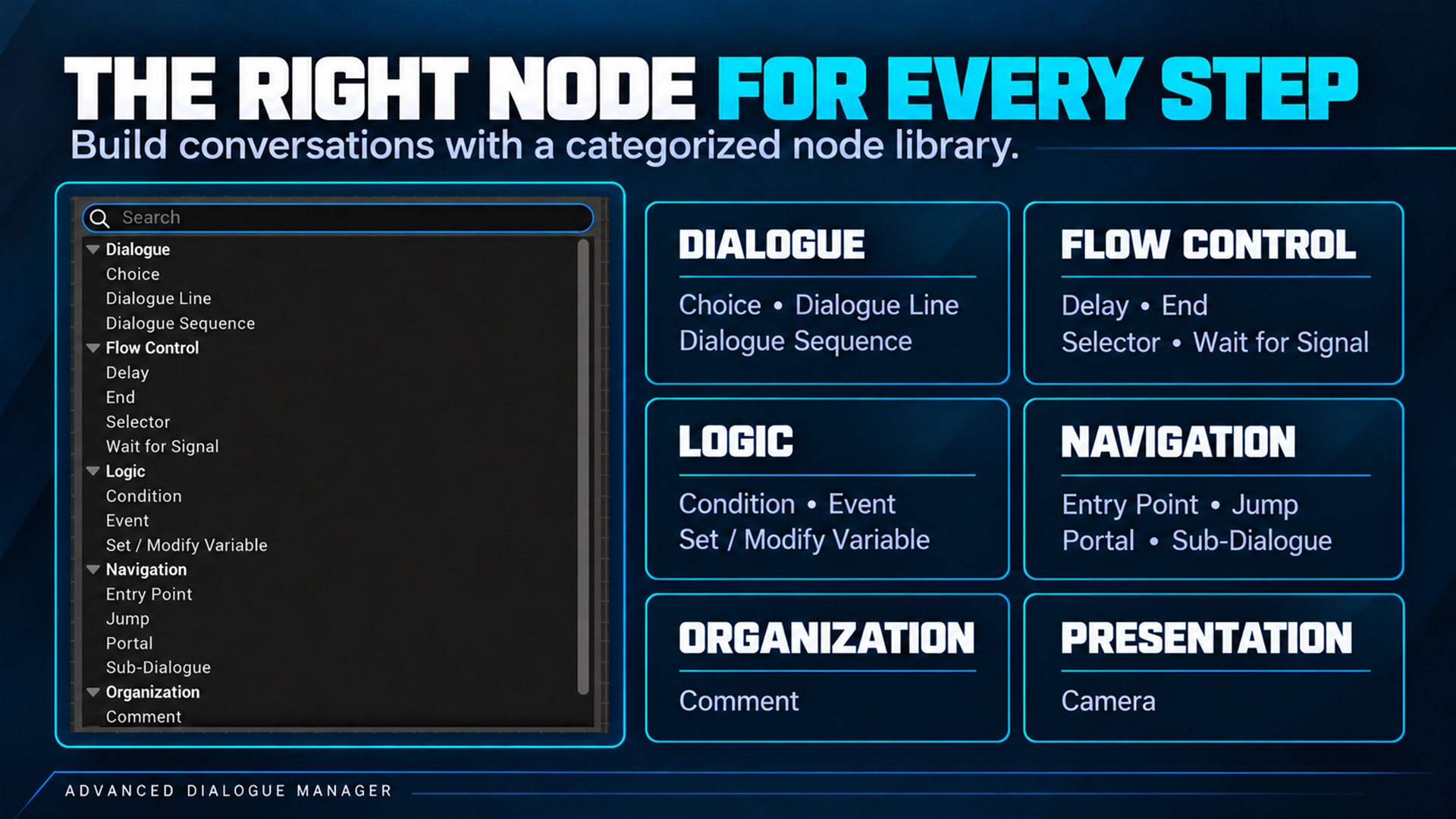
Dialogue graph context-menu library. Supplied product gallery image; any captions/overlays are promotional, not interactive controls.
| Node | Category | Purpose |
|---|---|---|
| START | Automatic start node | Default execution entry |
| Entry Point | Navigation | Named entry tag |
| Dialogue Line | Dialogue | Single speaker line |
| Dialogue Sequence | Dialogue | Consecutive line entries |
| Choice | Dialogue | Player response branches |
| Condition | Logic | Boolean branch |
| Event | Logic | Emit event tag |
| Set / Modify Variable | Logic | Update typed variable |
| Selector | Flow Control | Automatically choose branch |
| Portal | Navigation | Named destination |
| Jump | Navigation | Transfer to portal |
| Sub-Dialogue | Navigation | Call another dialogue asset |
| Delay | Flow Control | Timed flow pause |
| Wait for Signal | Flow Control | Await an exact signal |
| Camera | Presentation | Apply or restore camera preset |
| End | Flow Control | Finish active dialogue path |
Practical starting point
Section titled “Practical starting point”Build START → Dialogue Line → Dialogue Line → END; then add a Choice with one output connection per response. Review Quick Start and Editor overview.