Delay
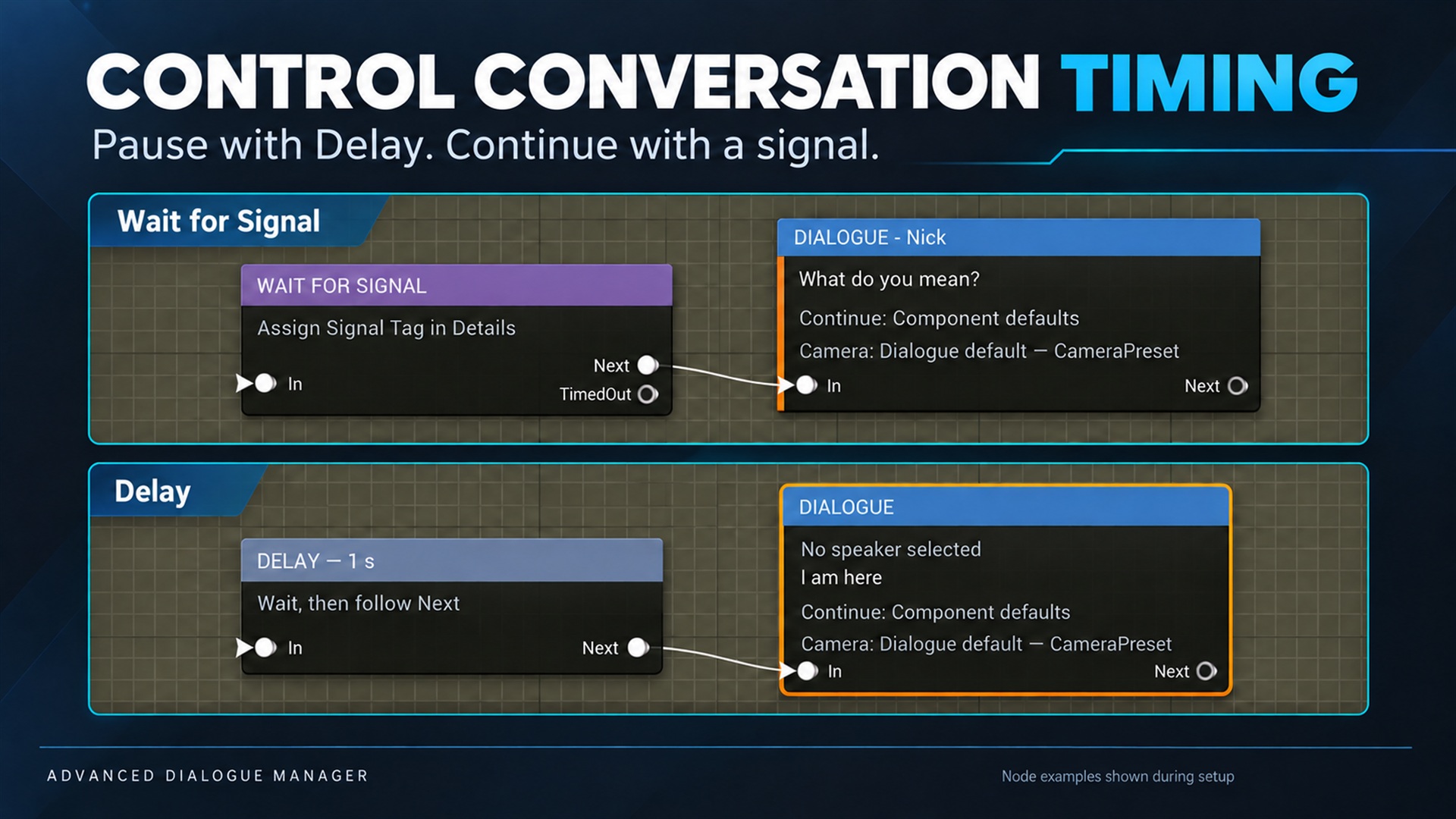
Delay. Supplied product gallery image; any captions/overlays are promotional, not interactive controls.
Part of the complete manual. See the node reference and event/signal integration for the full authoring workflow.
In the Dialogue Graph, right-click and add Delay. Connect the previous node to In, and Next to the node that should execute after the wait. Set Duration in seconds in Details; the duration also appears in the title.
Example: Anna’s line → footsteps Event → Delay (1.5 s) → Player’s line.
Delay uses component tick time and does not block the game thread. Pausing the dialogue freezes the countdown; resuming continues the remaining wait. Stop cancels it. Manual Continue cannot skip the wait. A zero duration continues on the next tick. An unconnected Next ends the current dialogue normally, including returning from a sub-dialogue. Dialogue Lab path exploration consumes delays immediately instead of waiting in real time.
Use After Duration on a dialogue line when the duration belongs to the displayed line itself. Delay is a separate pause in graph execution and does not display a new line. Cooked format 12 stores its duration and retains support for older supported cooked formats.
Wait for Signal
Section titled “Wait for Signal”Use Wait for Signal when gameplay decides when the dialogue continues. Set
an exact Dialogue.Signal.* tag. The game calls Signal Dialogue on the active
component from an animation-complete callback, interaction, or other gameplay
event. The matching signal is consumed once; signals received before the node
is active are ignored. Timeout is optional (-1 means no timeout); connect
TimedOut for the fallback path and Next for the successful path.