Debugging and packaging
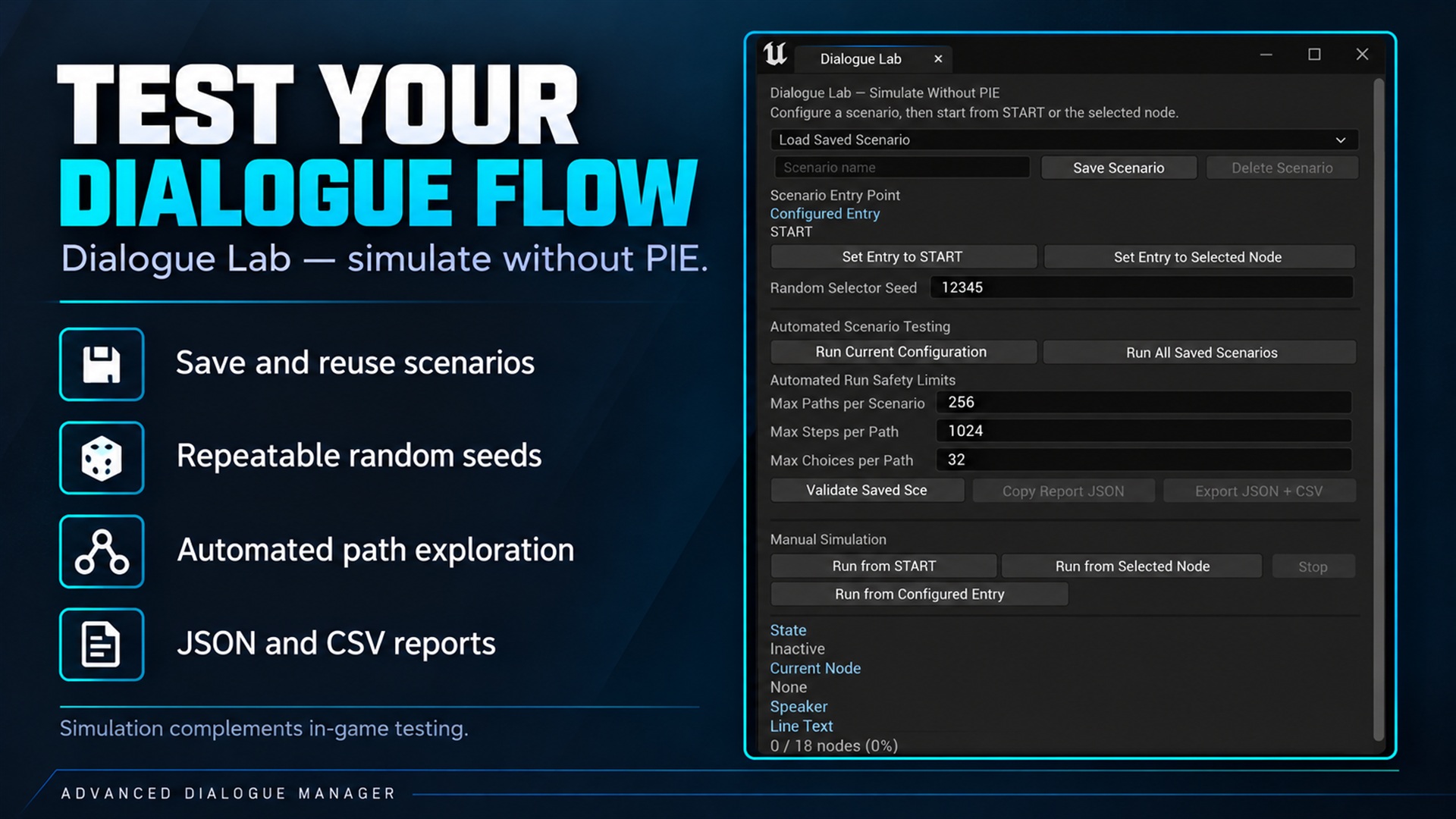
Debugging and packaging. Supplied product gallery image; any captions/overlays are promotional, not interactive controls.
Included demo: Open
Content/Demo/ShowCaseLevelto explore the authored Blueprint example. See Play the included demo for launch steps and the interaction flow. Validate it in PIE and in your packaged target separately.
Validate content
Section titled “Validate content”Save the authored graph and run its available validation/cook-readiness actions. Check missing speakers, invalid expression definitions, duplicate/missing tags, flow targets and active timing settings. Fix the first actionable error.
The editor graph is the authoring source. Runtime node data is a compiled cache in the editor and is serialized for cooked execution. Do not manually edit the cache as if it were a second authoring graph.
Dialogue Lab
Section titled “Dialogue Lab”Dialogue Lab provides simulation/scenario work, condition/variable setup and reports. Use repeatable random seeds to investigate Selector paths.
Offline traversal consumes Delay without waiting real seconds. For Wait for Signal, finite timeout exploration takes the timeout path; an indefinite external wait needs gameplay and cannot be treated as a successfully simulated complete path.
Lab simulation does not validate your actual UMG layout, live audio, real camera framing, level Actors or multiplayer design. The built-in camera application is suppressed for simulated presentation.
Reports can be exported as JSON and CSV under the project’s Saved/AdvancedDialogueReports folder.
Runtime diagnostics
Section titled “Runtime diagnostics”Get Runtime Debug Snapshot exposes the current asset/node, state, line identity, choice counts and wait information without depending on the editor module. On Runtime Debug Updated can refresh an optional overlay.
A valid Line Request ID identifies one presentation, not every visit to the same node.
Package deliberately
Section titled “Package deliberately”- Build the runtime and editor targets for the intended UE version.
- Open, save, close and reopen representative dialogue assets.
- Run PIE with UI, providers and save/resume.
- Cook and package the game, ensuring dialogue assets, speakers, portraits, voice, presets and widget classes are included.
- Run the packaged executable and repeat critical flows.
A saved soft asset path does not itself ensure inclusion in a package. Explicitly include content reachable only through external save files using your project’s asset/cook setup.
The plugin runtime must not depend on AdvancedDialogueEditor. C++ runtime consumers use the AdvancedDialogue module.
Scope of compatibility
Section titled “Scope of compatibility”UE 5.x compatibility is a development target, not proof that every engine minor passed the full sequence above. See the release’s tested matrix. No network replication/synchronized multiplayer dialogue workflow is promised by this manual.